
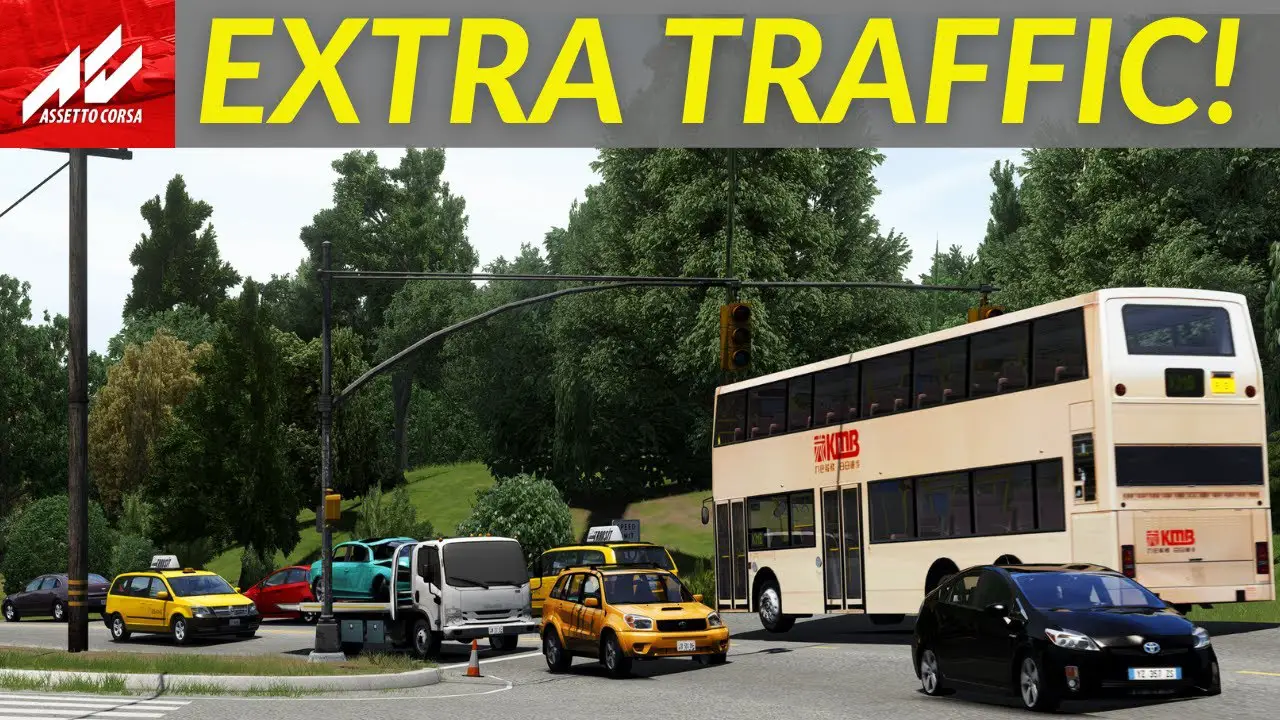
Here is something to check out as we have a great guide on how to add traffic and a planner to your Assetto Corsa mods layout.
Assetto Corsa has an extensive library of community-developed modifications (mods) provides a wealth of customization options. However, for some users, incorporating dynamic elements such as artificial traffic and a system for organizing driving routes (planner) into their open-world map layouts can present complexities.
To address this, Simrace247 highlights the work of Sir Spats Gaming, a key content creator within our community.. He has produced a detailed video tutorial, and a supplementary guide designed to demystify the process of adding both traffic simulation and a route planner to Assetto Corsa mods.
- Download the Traffic Pack: You’ll start by downloading a 1.5 GB file that contains various cars designed for traffic. These cars have detailed exteriors but simplified interiors [00:53].
- Install the Traffic Tool: Next, you’ll need to download and install a toolset from the Two reels Patreon site [02:15]. This involves copying files into the Assetto Corsa root directory, specifically into the extension/lure/tools/CSP traffic tool folder [02:37].
- Install a Track Patch (If Needed): If you’re using an older track that doesn’t have built-in traffic planner support, you’ll need to install a track patch [04:06]. The video uses Two real Mulholland Drive as an example, showing how to copy specific files into the track’s data folder [04:39].
- Use the Traffic Planner: After installing the files, you can access the traffic planner in the game through the object’s inspector [07:05]. This allows you to adjust the number of traffic cars and how they behave [07:20].
This instructional content includes direct hyperlinks to all the necessary software and files required for a successful setup. Simrace247 recognizes the significant contributions of Sir Spats Gaming and is committed to increasing the discoverability of his valuable tutorials and guides within the broader simulation racing community.