
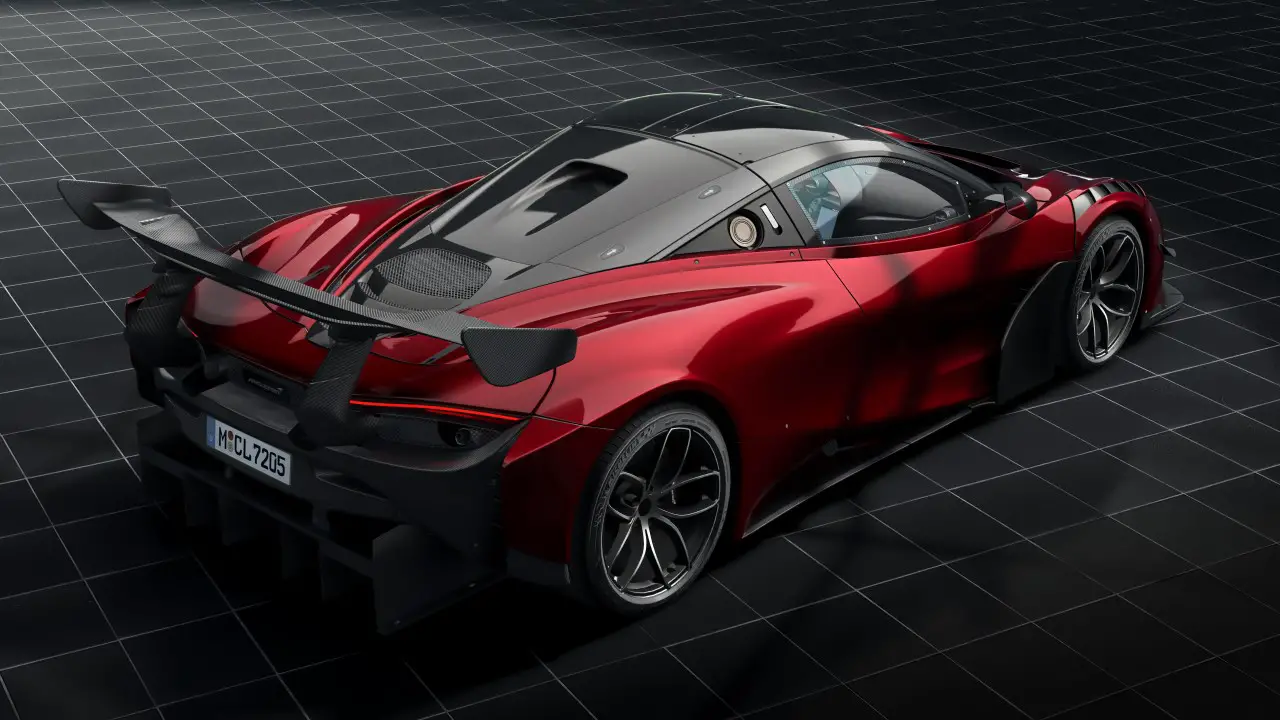
Discover a complete guide on how mods can transform your Assetto Corsa gameplay with new cars, tracks, and features.
Have you mastered the basic tracks and cars in Assetto Corsa? There’s so much more to explore through the exciting world of mods.
What Are Mods?
Mods are add-ons created by fans of the game. Think of them as bonus content that you can download and add to your game. In Assetto Corsa, these additions can include new cars, racing tracks, and improved graphics.
Why Try Mods?
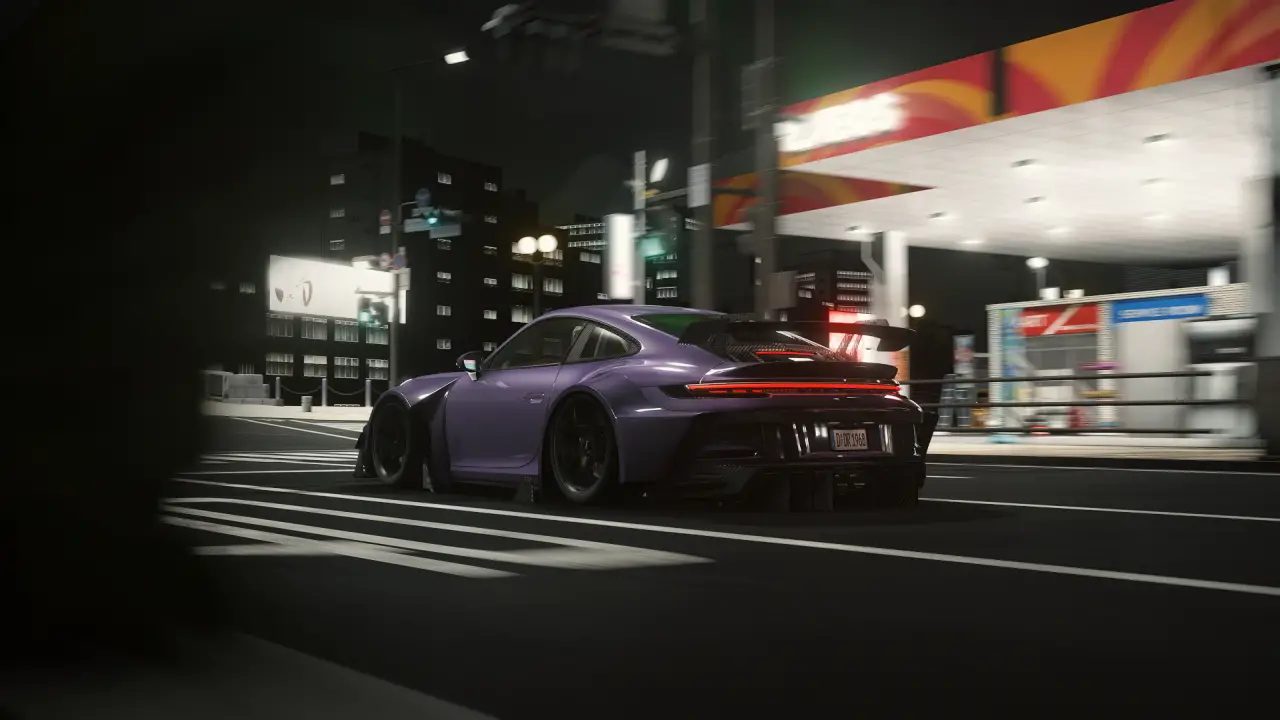
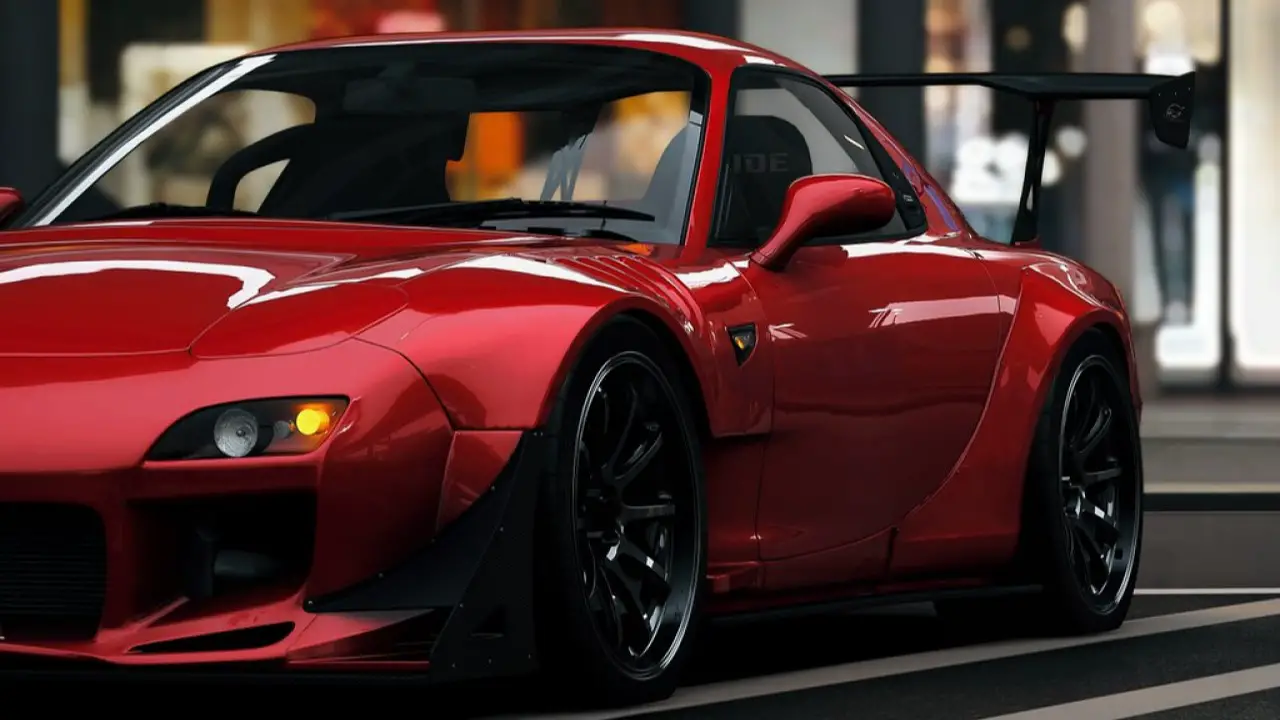
Playing with the same cars and tracks can get repetitive. However, mods open up a whole new world of options. You can try out different cars from various racing eras or test your skills on new challenging tracks.
The Assetto Corsa community is always creating fresh content. This means you’ll find new mods to try regularly, keeping the game exciting and fresh.
Getting Your Game Ready for Mods
Before you start adding mods to Assetto Corsa, let’s make sure everything is set up correctly.
Back Up Your Game Files
Playing it safe is important when adding mods. Make a copy of your game files before you start. This way, you can easily start fresh if something doesn’t work as planned.
Update Your Game
Make sure you’re running the latest version of Assetto Corsa on your PC. Updated games work better with new mods and help avoid problems later.
Pro Tip: If you’re using Steam, your game should update automatically. However, it’s worth double-checking to make sure.
Where to Find Quality Mods
The Assetto Corsa community shares their mods on several trusted websites:
- RaceDepartment
- AssettoCorsa.club
- Simrace247
Take time to read what other players say about the mods you’re interested in. Their feedback can help you pick the best ones for your style.
Basic Mod Installation
Getting Started
First, you’ll need a program to open downloaded mod files. Download either WinRAR or 7-Zip – both work well for this task.
Where to Put Different Mods
Each type of mod goes in its own special folder:
New Cars: Place them in your ‘content/cars’ folder
New Tracks: Add them to your ‘content/tracks’ folder
Car Skins: Put these in ‘content/cars/[car name]/skins’
Installing Complex Mods
Some mods that change how the game looks or plays might need extra steps. These often come with:
- Their own installer program
- Special instructions from the creator
If you get stuck, don’t worry. The Assetto Corsa forums are full of helpful players who can guide you.
Jacob Capello drops a great guide.
Setting Up Your Mods
Configuration Tips
After installing mods, you might need to adjust some settings to get them working just right. Don’t skip this step – it makes a big difference in how well your mods work.
What to Look For:
- Settings inside the game menu
- Setup files that come with the mod
- Special instructions from mod creators
Fixing Common Problems
Sometimes mods don’t work perfectly on the first try. Here’s what to do if you run into trouble:
Check These First:
- Look at the instructions that came with the mod
- Visit the mod’s forum page to see if others had the same issue
- Try installing the mod again if needed
Remember: You’re not alone in this. The Assetto Corsa community is known for helping each other out. If you’re stuck, other players are usually happy to help.
Pro Tip: Keep track of which mods you install and when. This makes it easier to find the source if something stops working.
You may hear some names mentioned within the mod’s community as essentials.
- Custom Shaders Patch
- Content Manager
- Sol
- Pure, a weather and graphics mod for Assetto Corsa/CSP
So what are you waiting for?
Adding mods to your game opens up endless new ways to enjoy Assetto Corsa. Let’s sum up the key points that will help you get started.
What You’ve Learned
Now you know how to:
- Prepare your game for mods
- Find trusted places to download mods
- Install different types of add-ons
- Fix common problems if they come up
Your Next Steps
Start small with a few basic mods like new cars or tracks. As you get more comfortable, you can try more complex modifications that change how the game looks and feels.
Remember to:
- Back up your files before making changes
- Read instructions carefully
- Join community discussions for tips and help
The Assetto Corsa community welcomes new modders. Don’t be shy about asking questions as you explore this exciting part of sim racing.